Community Training Classes & Labs > F5 Solutions for Kubernetes Index
2.4.4. Test our setup
Our environment is setup. We can try our environment by deploying a large application built as micro services
We will use this application: Micro services demo
Connect to the master and run the following command:
git clone https://github.com/microservices-demo/microservices-demo

kubectl create namespace sock-shop

kubectl apply -f microservices-demo/deploy/kubernetes/manifests
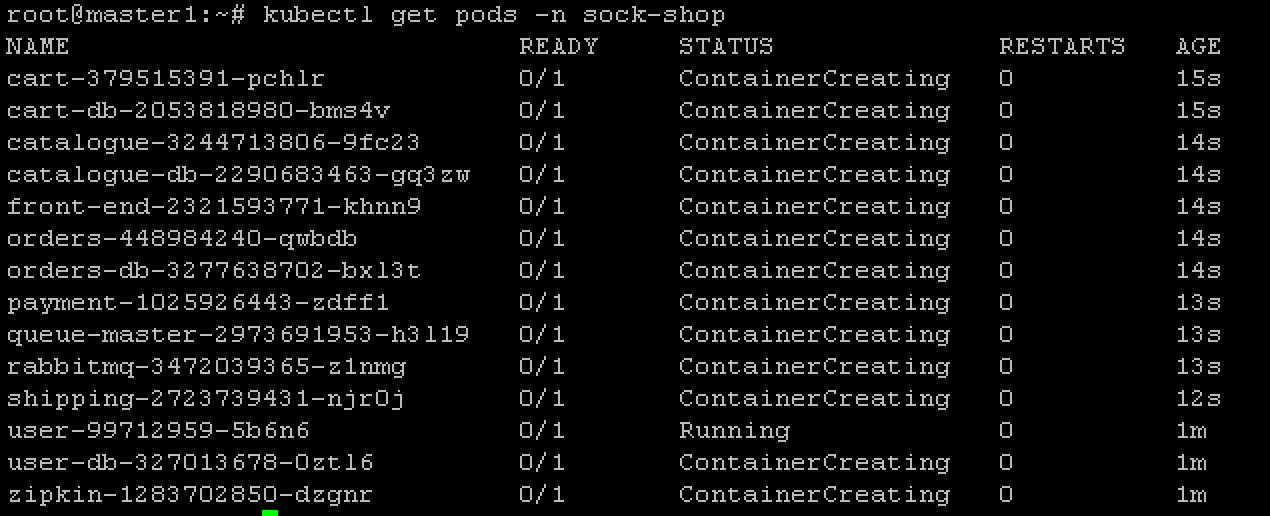
You can monitor the deployment of the application with the command:
kubectl get pods -n sock-shop
Warning
The deployment of this application may take quite some time (10-20min)
Once all the containers are in a “Running” state, we can try to access our application. To access our application, we need to identify on which port our application is listening to. We can do so with the following command:
kubectl describe svc front-end -n sock-shop
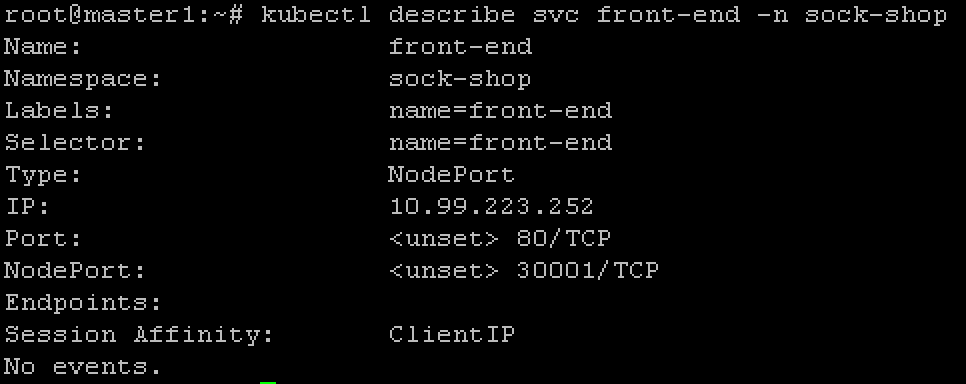
You can now access your application with the following URL: http://<master IP>:<NodePort>
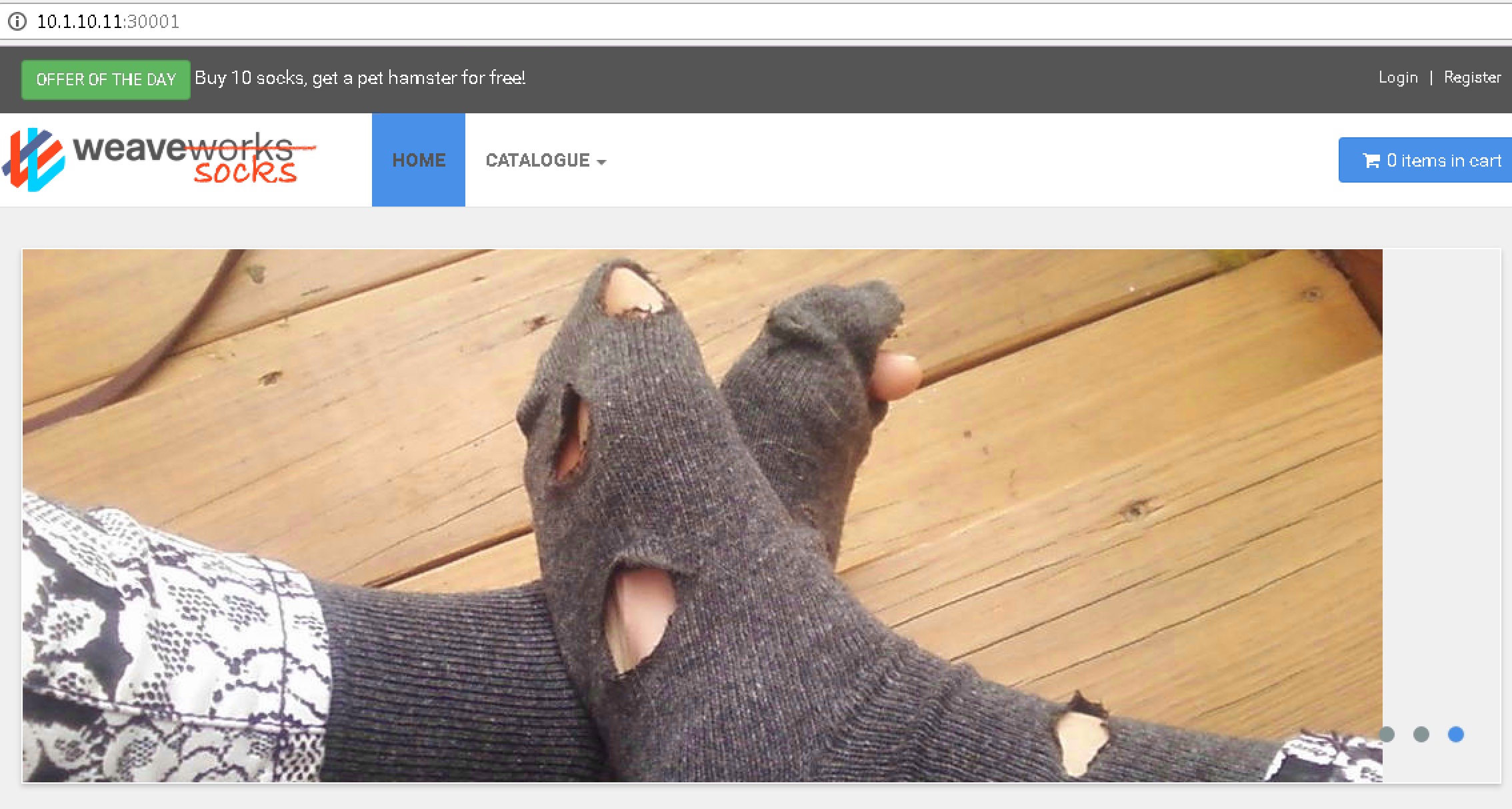
You can also try to access it with the following URL: http://<Node1 IP>:<NodePort> , http://<Node2 IP>:<NodePort>